ChatBloomStudio
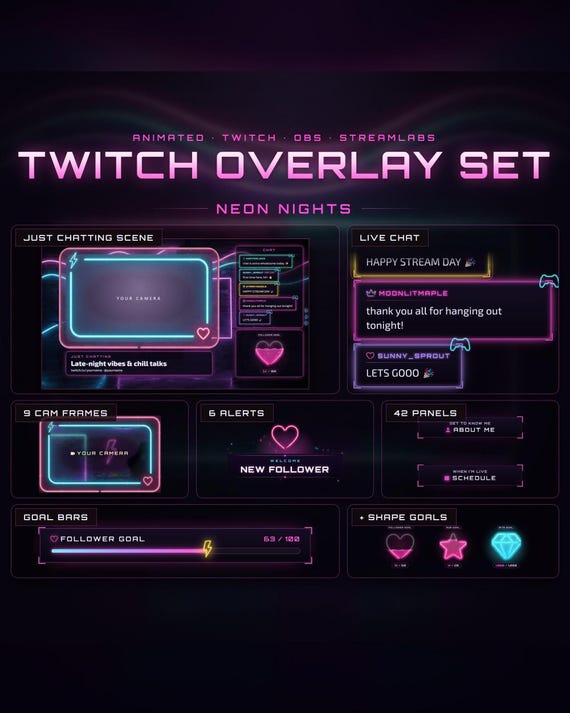
Neon Nights Twitch Overlay Set
Neon Nights Twitch Overlay Set, Animated Synthwave Stream Pack, Alerts, Chat, Goal Bars, Webcam Frame, Stinger, Panels (Digital Download)
Same files on every shop — pick the one you like. Instant digital download, nothing is shipped. Watch the setup video below.
Videos
Step-by-step setup — more on our YouTube channel.
What you get
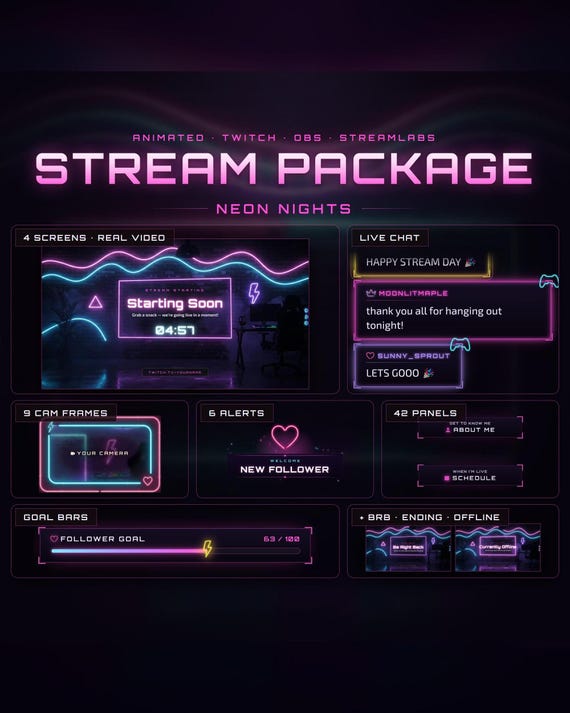
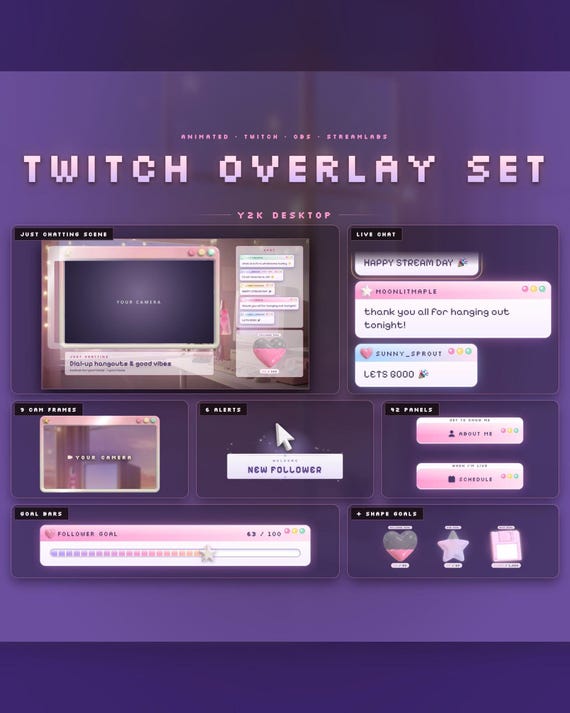
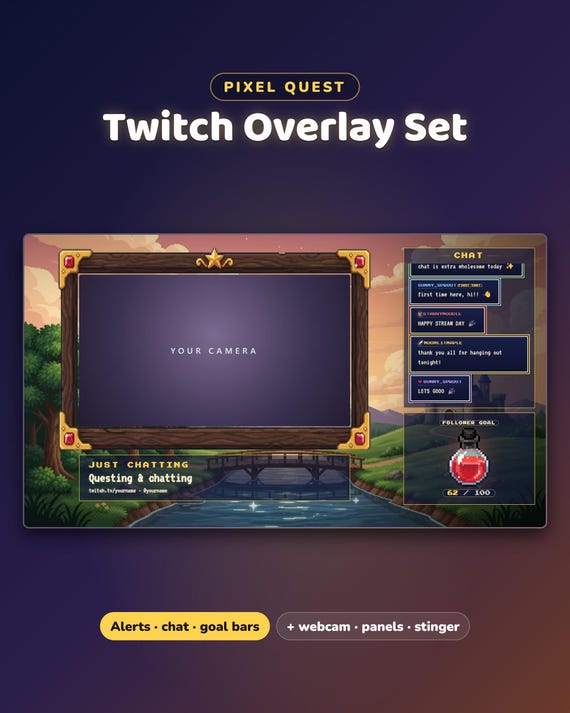
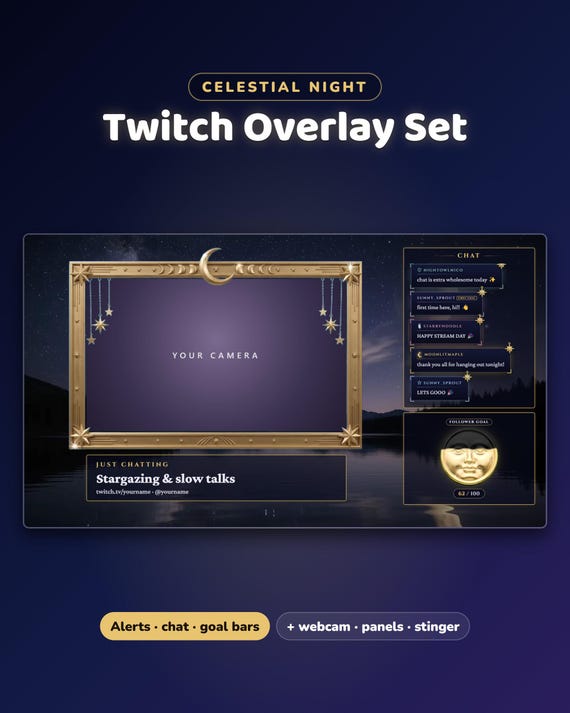
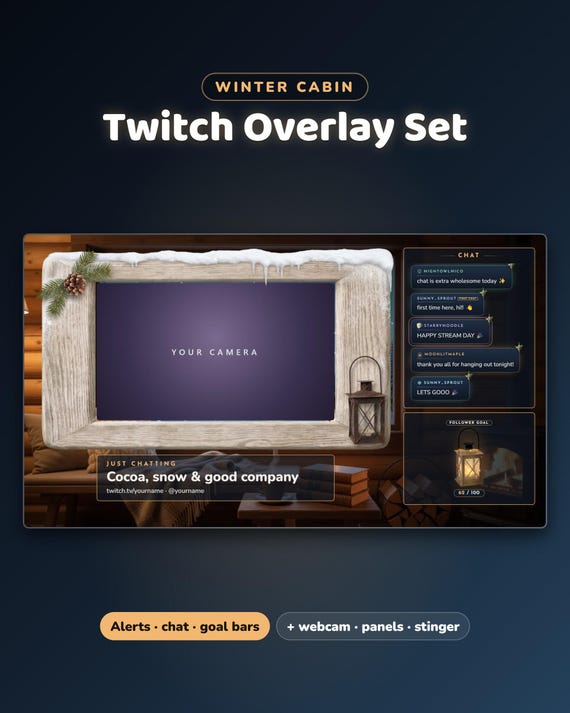
Neon Nights Stream Set — a glowing pink, violet and cyan neon look for your whole stream: 4 gaming overlays, a Just Chatting scene, 6 alerts, a stinger, chat, goal bars, 9 webcam frames and all 42 Twitch panels. Save 78% compared with buying the parts one by one.
- Instant download · easy step-by-step guide for every part, about 2 minutes each
- NEW: OBS Quick Setup — makes all your scenes in OBS Studio at once
- For OBS Studio, Streamlabs and StreamElements · made for Twitch
- Free setup help + video guides — we help you until it works on your stream
What's included
- NEW: Gaming scene — 4 gaming overlays (camera right, camera left, big game, full-screen game) with live chat, webcam frame, goal bar and your game title
- Just Chatting scene — the moving Neon Nights room, a big webcam frame, live chat, your goal and your title
- 6 animated alerts (transparent WebM + PNG) + a matching stinger transition
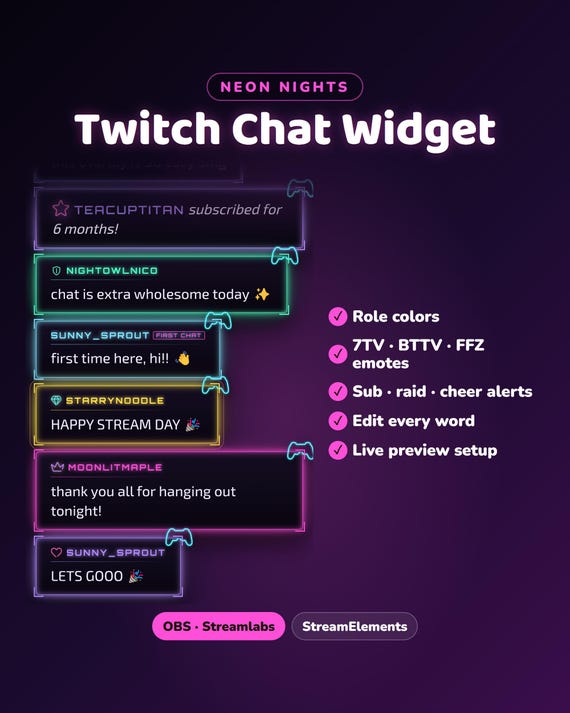
- Chat widget — messages as black glass cards with a glowing neon edge · role colors · 7TV, BTTV and FFZ emotes · sub, raid and cheer cards
- Goal bars — a bar, or a shape that fills up (neon heart, neon star or neon diamond) · followers, subs, bits or your own goal
- 9 webcam frames — wide 16:9, square 4:3 and round, with your name tag
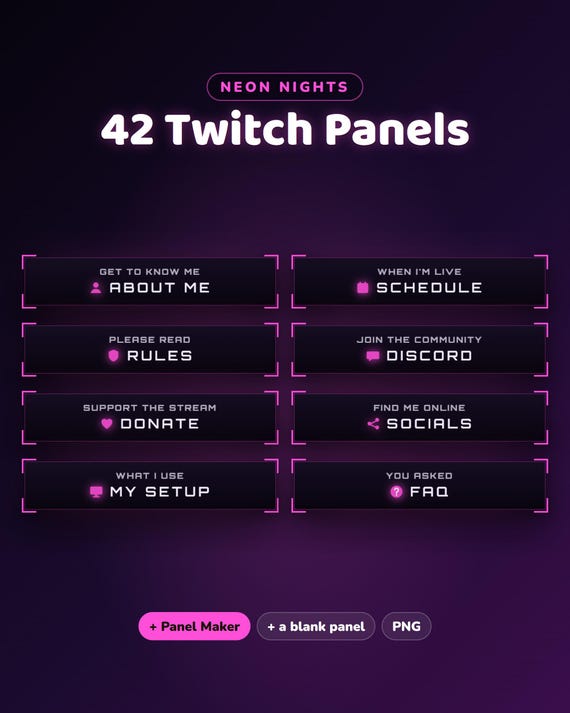
- 42 Twitch panels + a Panel Maker for any panel you want
- BONUS: a background loop (the neon gaming room)
- BONUS: a spin wheel — spins on cheers, subs, gifted subs, raids or !spin from you and your mods · OBS / Streamlabs or StreamElements · your own prizes, colors and texts
- BONUS: a bits menu — what each amount unlocks, your own lines and prices
Fully customizable
- Your channel name, titles, socials and every alert line ("just subscribed!", "first chat"…), in any language
- Pick the gaming layout, goal type and target — you see every change live before you download
Easy setup
- Type your channel name and texts — you see it live
- Download your files
- Open OBS Quick Setup: Gaming, Just Chatting and the stinger appear in OBS at once. Streamlabs: each part has a short guide.
Want something changed?
A different color, layout or wording? Message us — we're happy to adjust it for you.
Help & video guides
- Step-by-step setup videos on our YouTube channel: youtube.com/@chatbloomstudio — webcam frames, alerts, chat, goal bars, screens, panels, full overlays
- Need a video for something else? Ask us — we'll make one for you
- Stuck at any step? Message us — we'll help you until it works on your stream
Good to know
- Digital download in a few parts (file size limits) — unzip them all into one folder.
- The alerts work through a free Streamlabs or StreamElements account.
- For your own channel(s); please don't resell or share the files.
- Designed and built by us with the help of AI image and video tools; "your camera" and "your game" in the photos show where yours go.
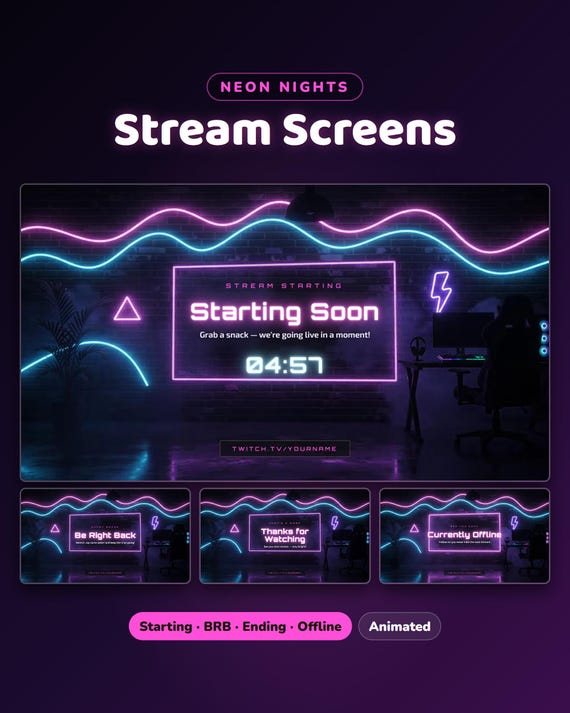
Want the Starting Soon / BRB / Ending / Offline screens too? They are in the Neon Nights Full Stream Package in our shop.