ChatBloomStudio
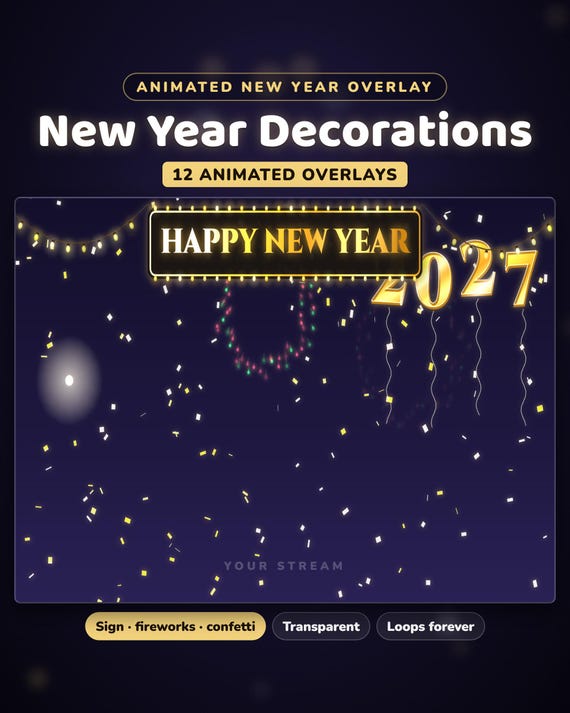
New Year Stream Decorations
New Year Stream Decorations for Twitch & VTuber - 12 Animated Overlays: Happy New Year Sign, Fireworks, Confetti, 2027
Same files on every shop — pick the one you like. Instant digital download, nothing is shipped. Watch the setup video below.
Video
Step-by-step setup — more on our YouTube channel.
What you get
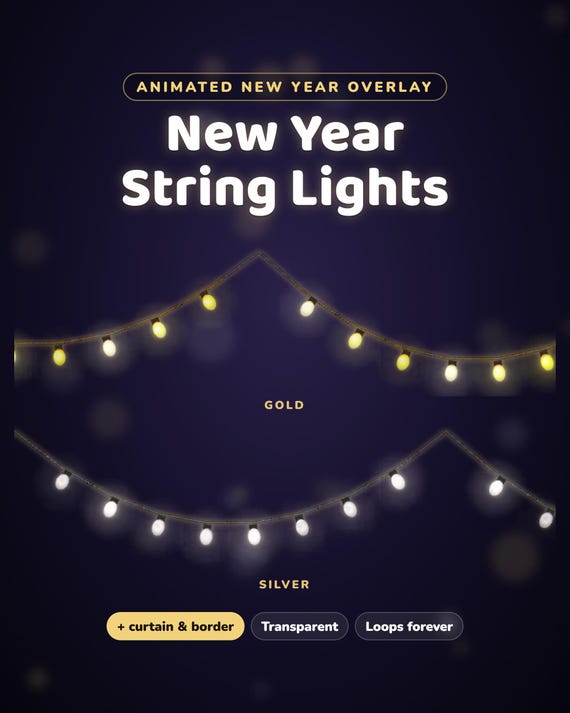
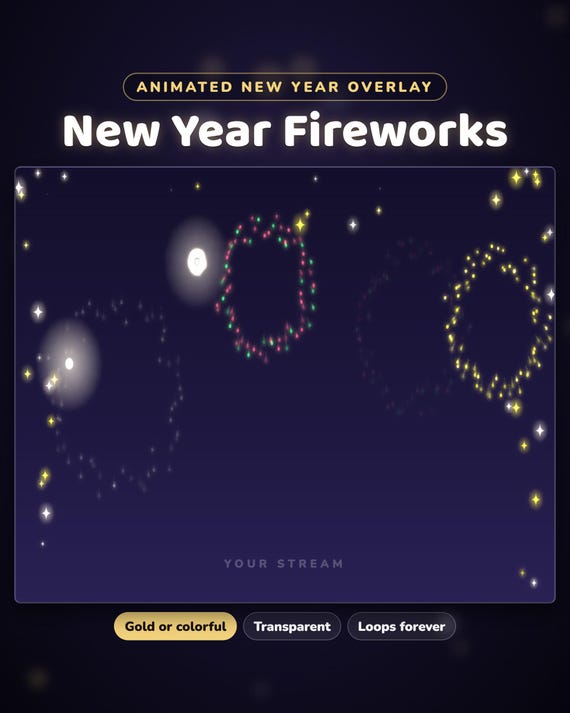
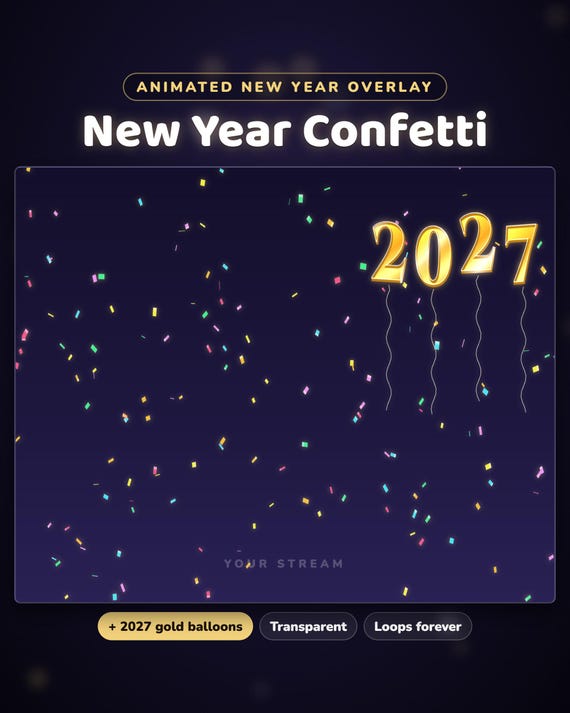
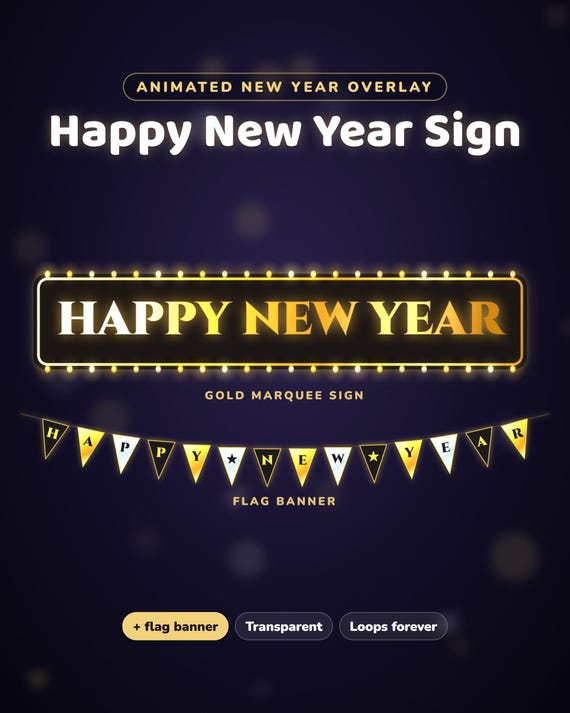
New Year stream decorations — 12 animated, see-through overlays for your New Year's Eve stream on Twitch: a gold "Happy New Year" sign, a flag banner, gold 2027 balloons, string lights, fireworks, confetti and sparkles. The photos and the video show them over our stream screens.
- Free setup help + video guides — we help you until it works on your stream
What's inside — 12 decorations
- Happy New Year gold sign at the top — bulbs chase around it, a shine sweeps over the letters
- Happy New Year banner — black, gold and silver flags spelling HAPPY ★ NEW ★ YEAR
- Gold foil 2027 number balloons bobbing in the corner
- String lights across the top — gold · silver
- Light curtain of gold and silver lights hanging from the top
- Gold lights all around the screen, a slow chase
- Fireworks along the top and the sides — gold & silver · multicolor
- Confetti fluttering down — gold & silver · multicolor
- Gold and silver sparkles along the top and the sides
Every decoration comes as a seamless transparent WebM loop (6 seconds) and as a PNG picture.
How it works
OBS Studio: Sources → + → Media Source → pick a .webm → tick "Loop". Streamlabs Desktop: Add Source → Media File → Loop. Put it on top of your scene — the background is see-through, no green screen needed. Mix them: the gold sign + confetti, or fireworks + sparkles. START-HERE.pdf walks you through it.
More for winter
Falling snow overlay — in our ChatBloomStudio shop
Christmas stream decorations — in our ChatBloomStudio shop
Help & video guides
- Step-by-step setup videos on our YouTube channel: youtube.com/@chatbloomstudio — webcam frames, alerts, chat, goal bars, screens, panels, full overlays, New Year decorations
- Need a video for something else? Ask us — we'll make one for you
- Stuck at any step? Message us — we'll help you until it works on your stream
Good to know
- The download comes in parts (the upload size limit) — unzip all of them into the same folder.
- Moving decorations use a little of your PC's power — two or three at once is fine on most PCs.
- For use on your own channel(s), also monetized. Please don't resell or share the files.
- The decorations are animated by us in code. Designed and built by us with the help of AI tools.
- Digital download — nothing will be shipped.