ChatBloomStudio
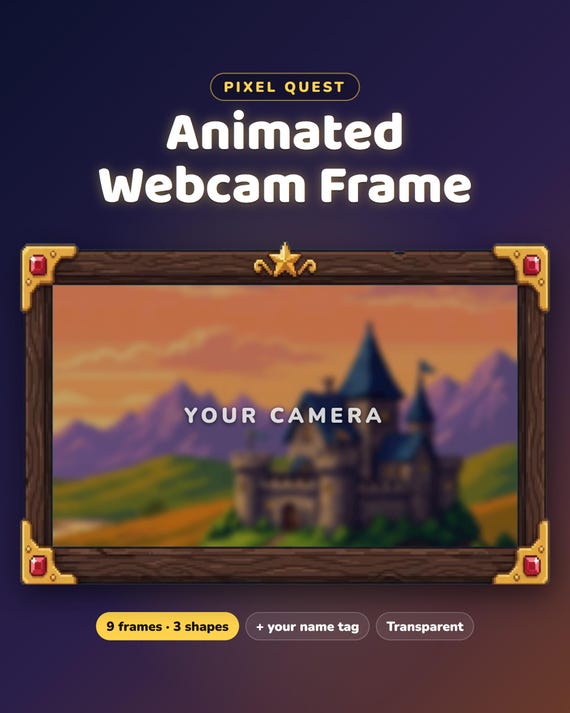
Webcam frame · Pixel Quest
Pixel Quest Animated Twitch Webcam Frame
Pixel Quest Animated Twitch Webcam Frame, RPG Gold Gems Webcam Overlay and Camera Border for Kick, YouTube, OBS Streamlabs
Same files on every shop — pick the one you like. Instant digital download, nothing is shipped. Watch the setup video below.
Videos
Step-by-step setup — more on our YouTube channel.
Making an animated pixel RPG webcam frame for my stream
OBS tip: make your webcam frame move with your camera
How to add an animated webcam frame to OBS
FREE animated webcam frame for OBS (3 steps)
What you get
Pixel Quest webcam frame — a wooden RPG window with gold corners and gems and a gold ring with gems — the gems sparkle.
- Instant download · ready in 1 minute · easy step-by-step guide
- For OBS Studio and Streamlabs · works on Twitch, Kick and YouTube
- Free setup help + video guides — we help you until it works on your stream
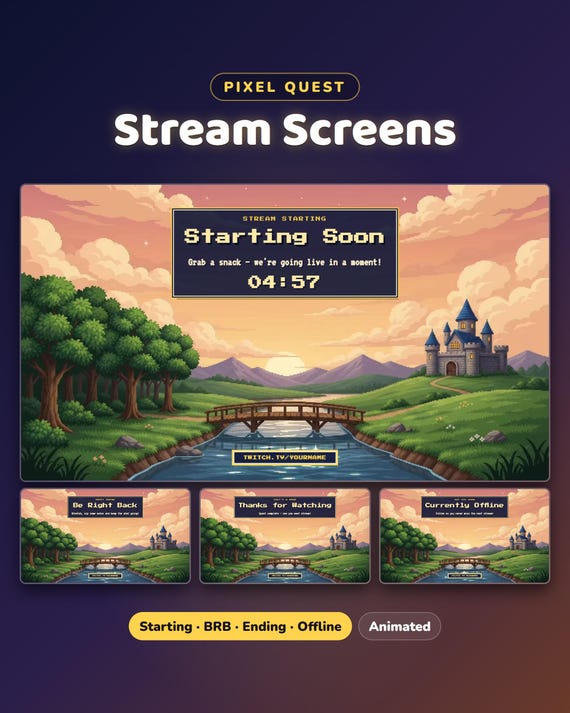
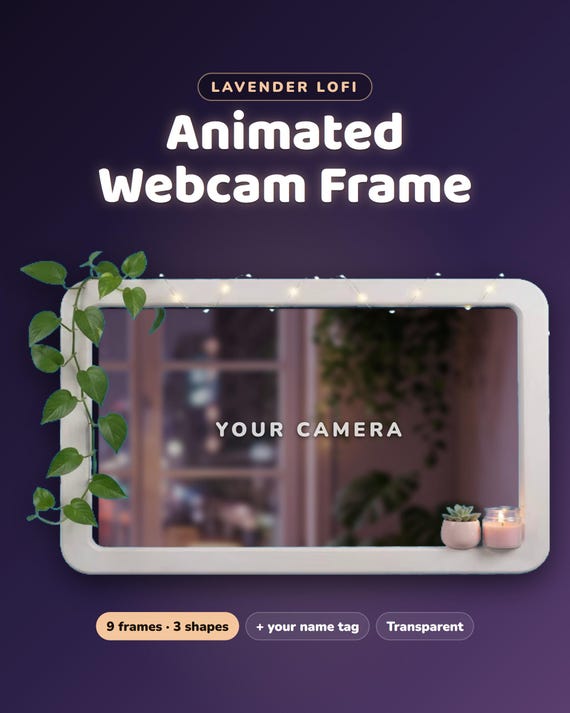
What's included — 9 frames
- Classic frame — wide 16:9, square 4:3 and round
- Slim frame — wide, square and round
- Name Bar frame — wide, square and round
- 7 animated transparent videos (WebM) + 6 pictures (PNG)
- Name-tag version, StreamElements widget, START-HERE guide
Easy setup
- Add a frame (.webm) to OBS or Streamlabs as a Media Source, tick Loop
- Put it above your camera and resize — done. No green screen.
Want something changed?
Different color, size or text? Message us — we'll adjust it for you.
Help & video guides
- Step-by-step setup videos on our YouTube channel: youtube.com/@chatbloomstudio — webcam frames, alerts, chat, goal bars, screens, panels, full overlays
- Need a video for something else? Ask us — we'll make one for you
- Stuck at any step? Message us — we'll help you until it works on your stream
Good to know
- Digital download. For your own channel(s); please don't resell or share the files.
- Designed and built by us with the help of AI image and video tools; the photos show where your own camera goes.
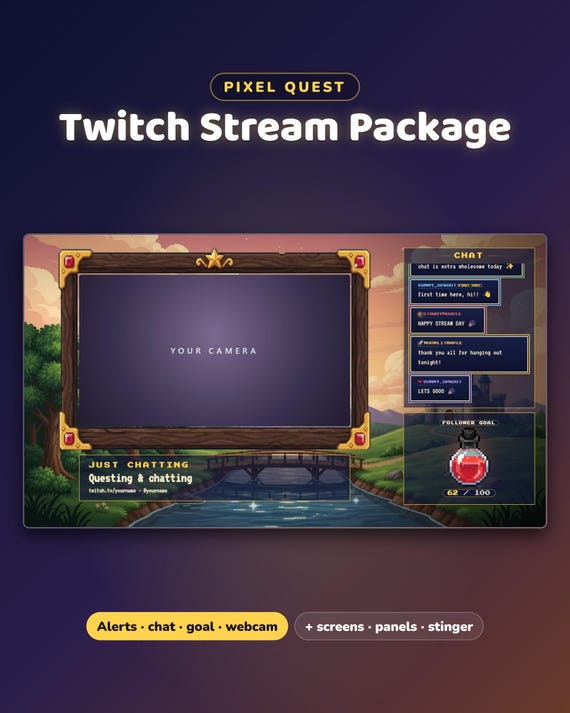
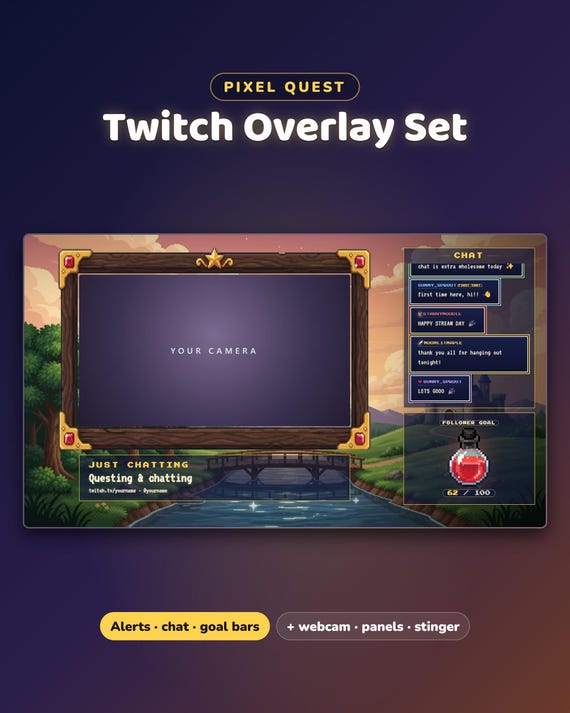
Matching set: Pixel Quest Full Stream Package.