ChatBloomStudio
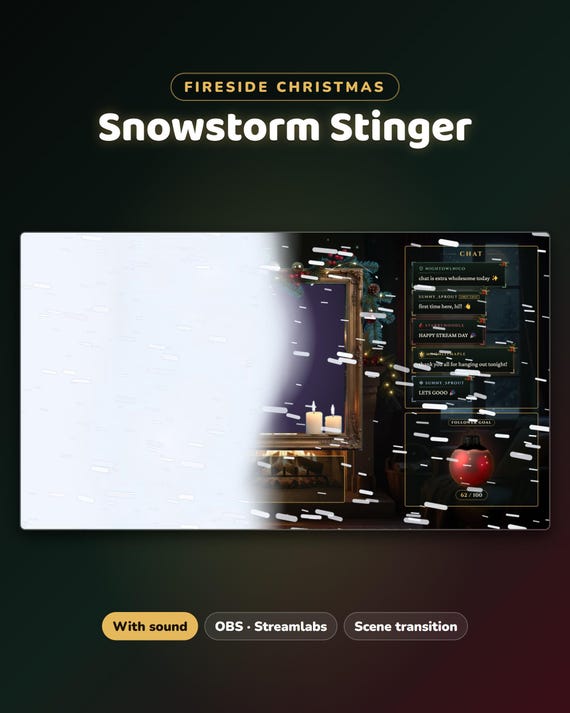
Snowstorm Christmas Stinger Transition
Snowstorm Christmas Stinger Transition for Twitch & VTuber - Animated Winter OBS Scene Transition with Sound
Same files on every shop — pick the one you like. Instant digital download, nothing is shipped. Watch the setup video below.
Video
Step-by-step setup — more on our YouTube channel.
What you get
Snowstorm — a Christmas stinger transition for Twitch: a wall of wind-blown snow sweeps across the screen, white-out, then blows away. The video shows it switching from a Starting Soon screen to a Just Chatting scene.
- Free setup help + video guides — we help you until it works on your stream
What you get
- 1 stinger in 2 versions: with sound (a soft whoosh / chime made by us) and without sound
- Transparent WebM video, 1920 × 1080, 2.0 seconds
- Transition point 1000 ms (also written in the file name) · START-HERE.pdf
How it works
OBS Studio: Scene Transitions → + → Stinger → pick the .webm → Transition Point Type: Time → 1000 → OK. Streamlabs Desktop: the gear next to Scenes → Add Transition → Stinger → same.
Want all 4?
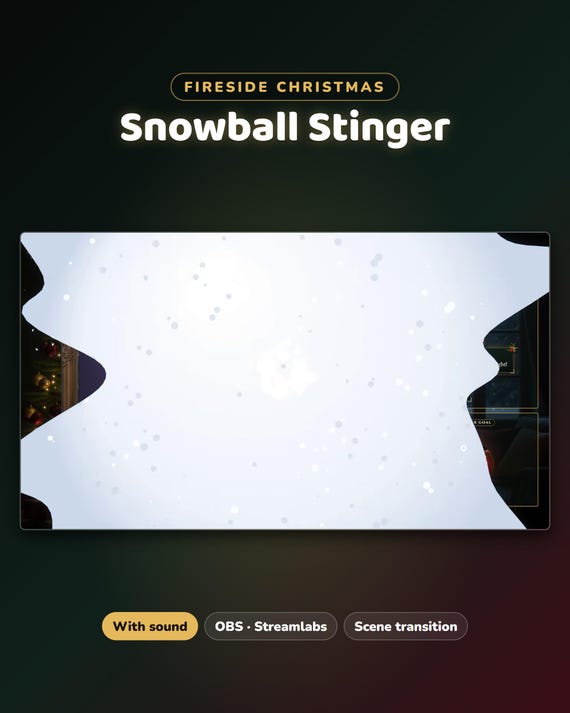
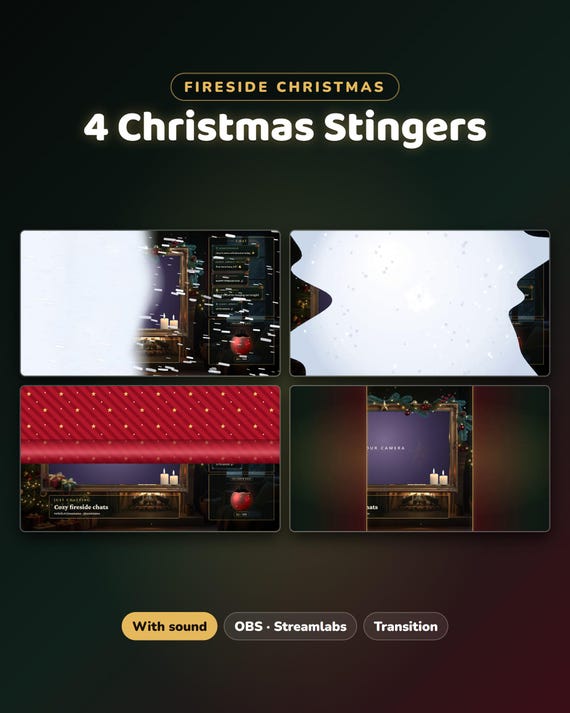
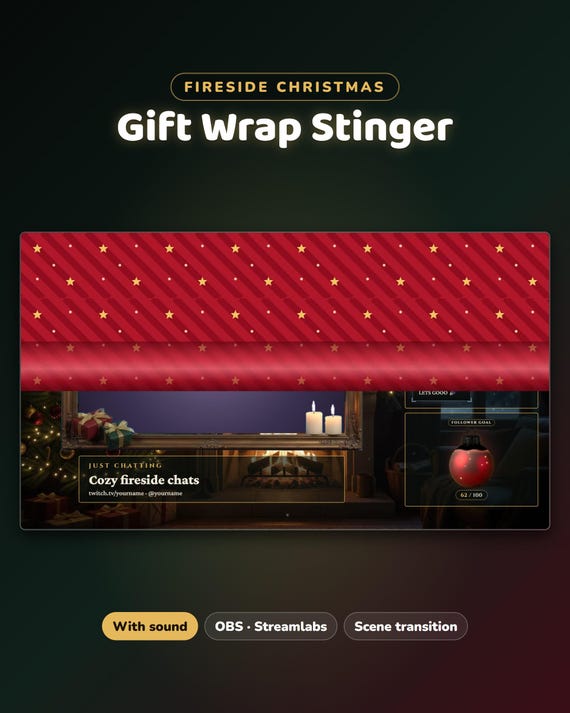
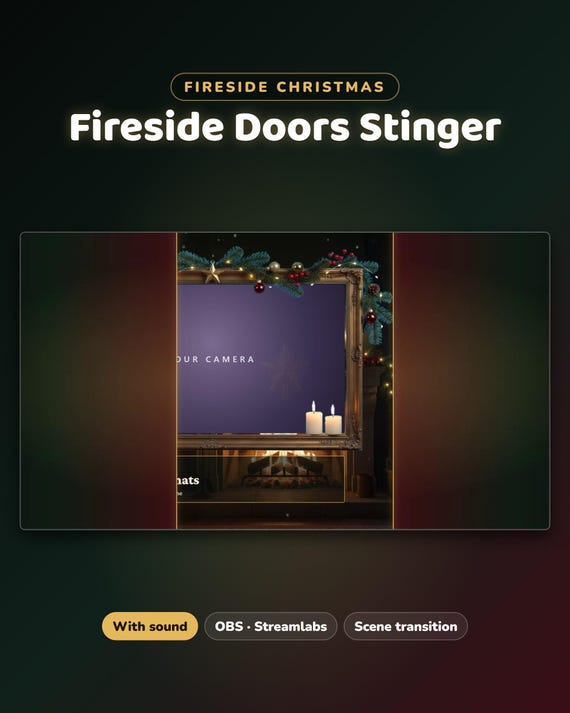
Snowstorm, Snowball Splat, Gift Wrap and Fireside Doors together cost less than buying them one by one — in our ChatBloomStudio shop
Help & video guides
- Step-by-step setup videos on our YouTube channel: youtube.com/@chatbloomstudio — webcam frames, alerts, chat, goal bars, screens, panels, full overlays, stinger transitions
- Need a video for something else? Ask us — we'll make one for you
- Stuck at any step? Message us — we'll help you until it works on your stream
Good to know
- Works offline · no login · no code.
- For use on your own channel(s), also monetized. Please don't resell or share the files.
- The animation and sound are made by us in code. Designed and built by us with the help of AI tools.
- Digital download — nothing will be shipped.