ChatBloomStudio
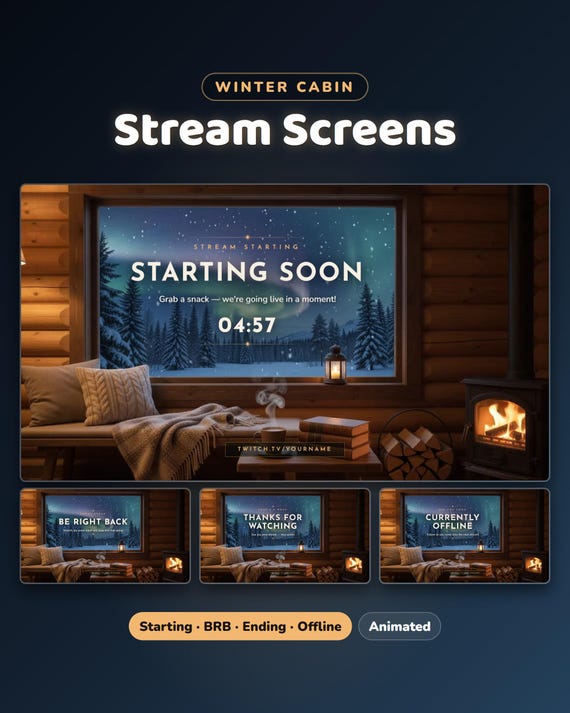
Winter Twitch Starting Soon Screen
Winter Twitch Starting Soon Screen, BRB & Ending, Animated Northern Lights Cabin Scenes
Same files on every shop — pick the one you like. Instant digital download, nothing is shipped. Watch the setup video below.
Videos
Step-by-step setup — more on our YouTube channel.
What you get
Winter Cabin stream screens — Starting Soon, Be Right Back, Stream Ending and Offline in a real moving video: a log cabin at night with a big window onto a snowy pine forest: the northern lights ripple, snow falls, the stove fire flickers and the cocoa steams.
★ Works with OBS Studio and Streamlabs Desktop · plus ready-made MP4 loops
★ Made for Twitch · instant download · no login needed for the OBS versions
★ Free setup help + video guides — we help you until it works on your stream
Features
- Starting Soon · Be Right Back · Stream Ending · Offline — a real moving video: a log cabin at night with a big window onto a snowy pine forest: the northern lights ripple, snow falls, the stove fire flickers and the cocoa steams
- Plus a Twitch offline banner (1920×1080 picture of the Offline screen) for your channel page while you are offline
- Countdown in minutes OR to your start time (e.g. 20:00) · every word, your socials and the text size are yours to change
- Animated browser-source files plus ready-made MP4 loops
- The small line, the big title, the line under it, the countdown end text and the bottom line — all your own words
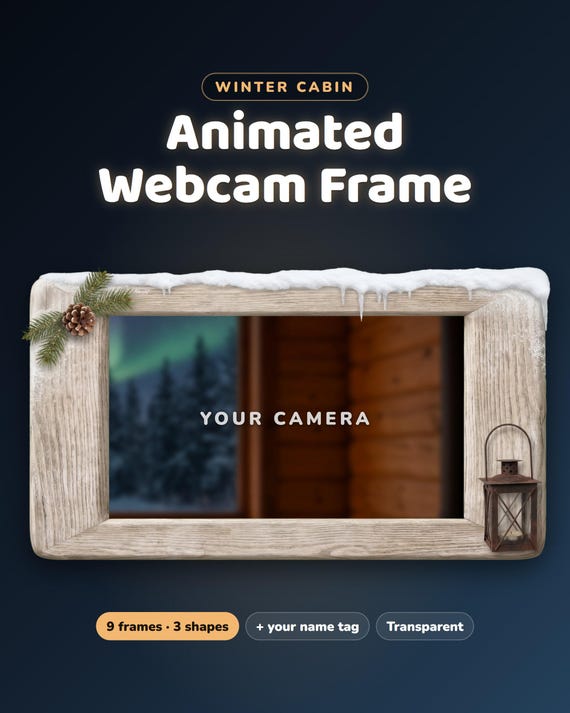
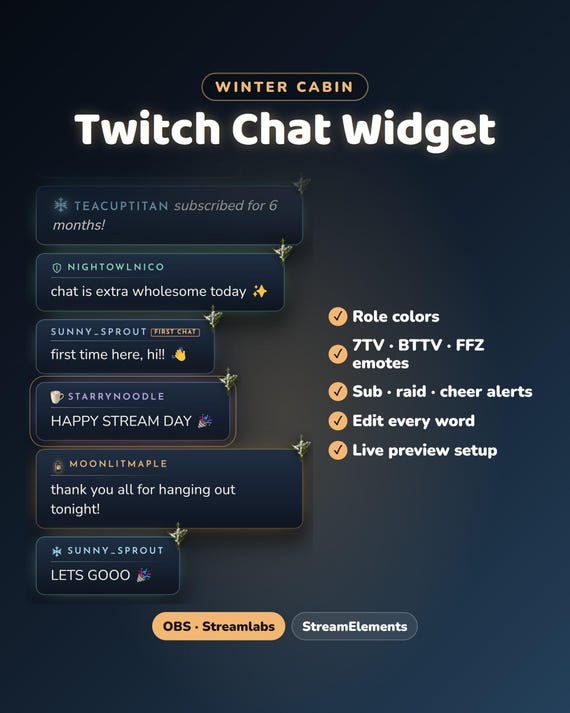
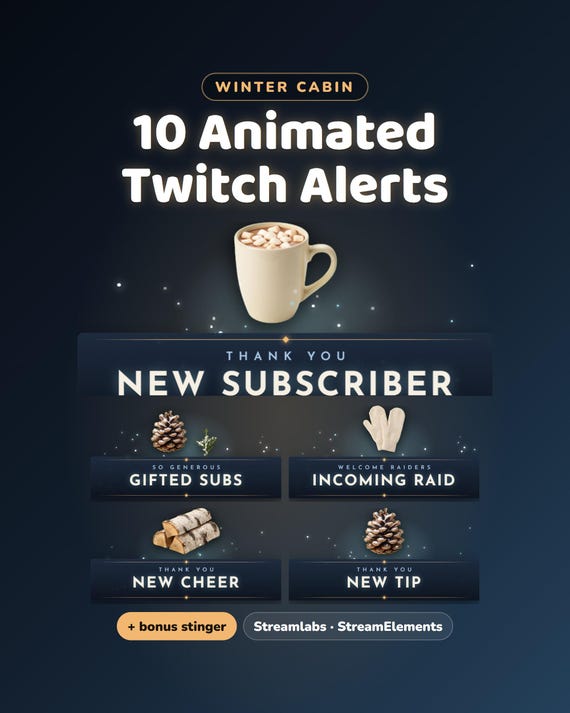
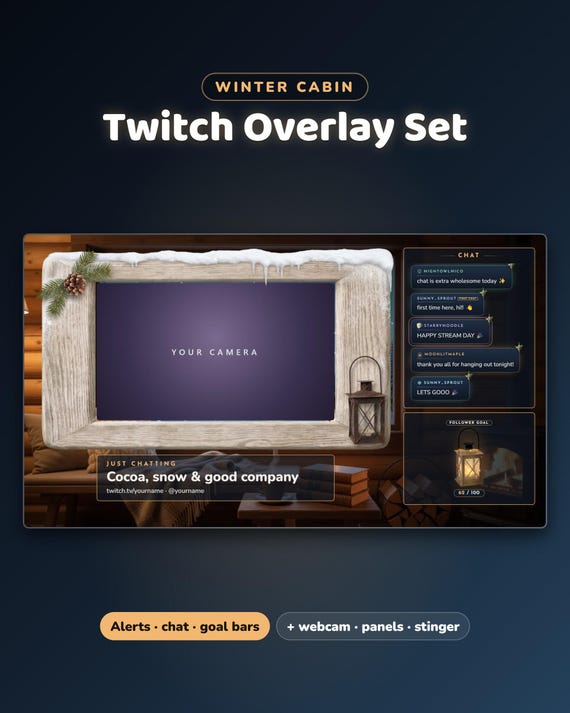
The matching chat widget, goal bars, webcam frames, alerts and panels are all in the Winter Cabin Full Stream Package — in our ChatBloomStudio shop
How it works
Open configure.html: change what you like with a live preview, download your personal file and add it to OBS / Streamlabs as a Browser source — or add one of the ready-made MP4 loops as a Media Source. START-HERE.pdf walks you through it — about 2 minutes, no code, no login.
Help & video guides
- Step-by-step setup videos on our YouTube channel: youtube.com/@chatbloomstudio — webcam frames, alerts, chat, goal bars, screens, panels, full overlays
- Need a video for something else? Ask us — we'll make one for you
- Stuck at any step? Message us — we'll help you until it works on your stream
Good to know
- This is a digital download — nothing will be shipped.
- Your PC needs internet while streaming (fonts load online).
- The cabin room is made with AI image and video tools and is part of the product.
- For use on your own channel(s). Please don't resell or share the files.
- Designed and built by us with the help of AI tools.
- Stuck on setup? Send us a message — we're happy to help.