ChatBloomStudio
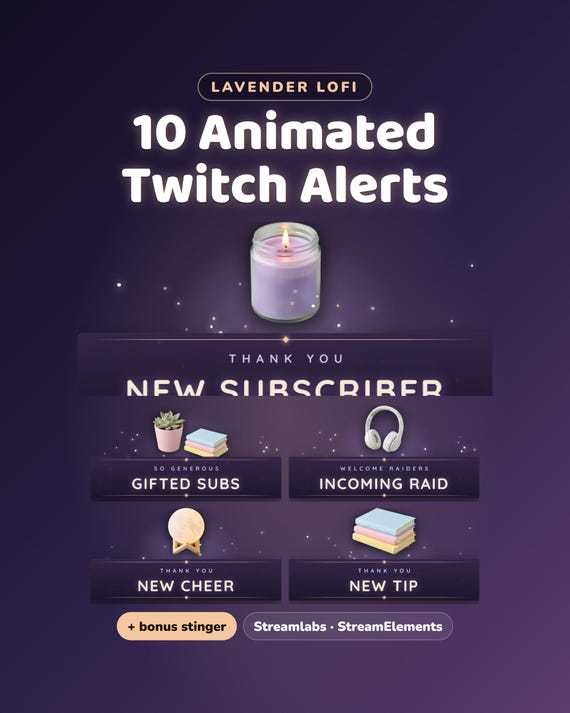
Lavender Lofi Twitch Alerts
Lavender Lofi Twitch Alerts - 10 Animated Alerts for Streamlabs & StreamElements + Bonus Stinger Transition
Same files on every shop — pick the one you like. Instant digital download, nothing is shipped. Watch the setup video below.
Videos
Step-by-step setup — more on our YouTube channel.
What you get
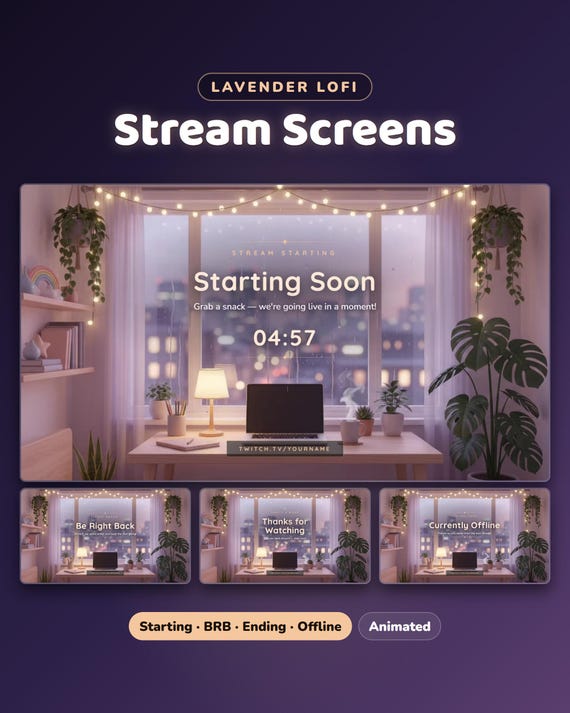
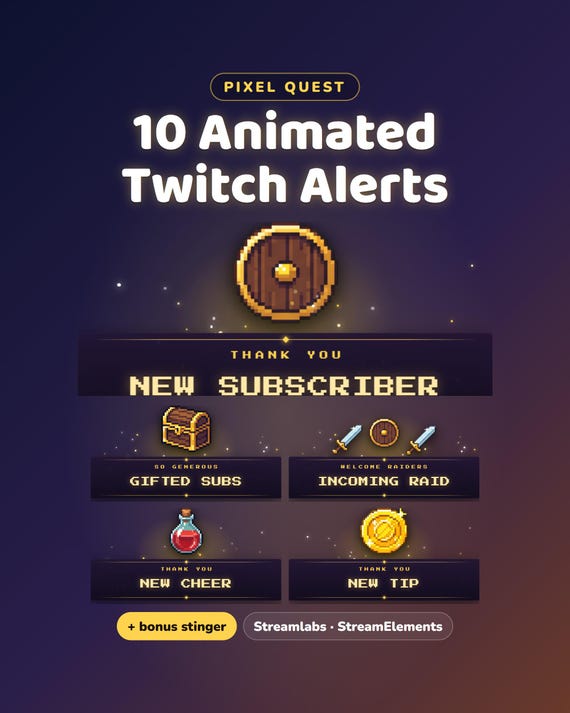
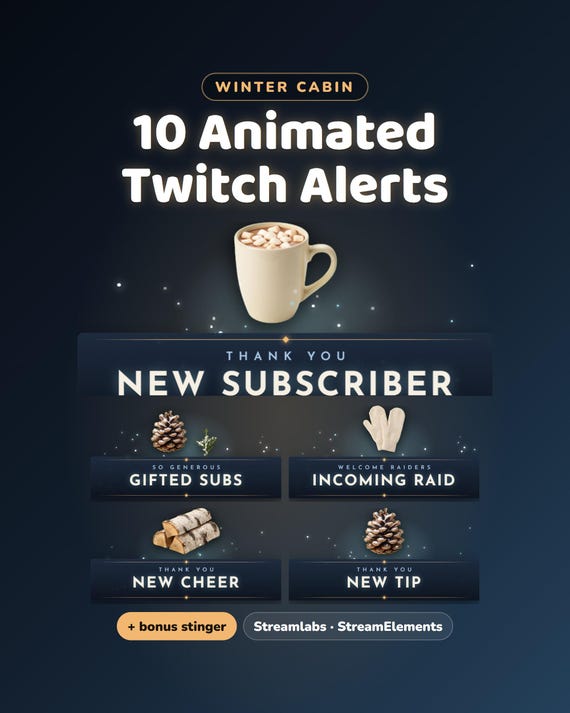
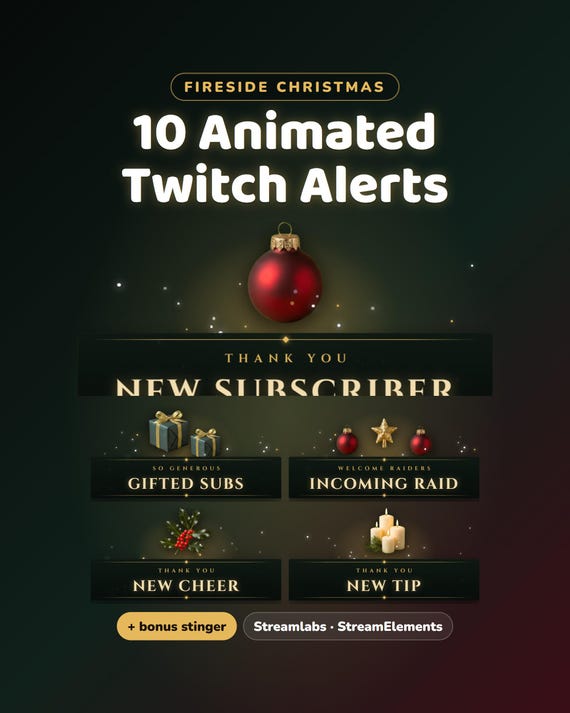
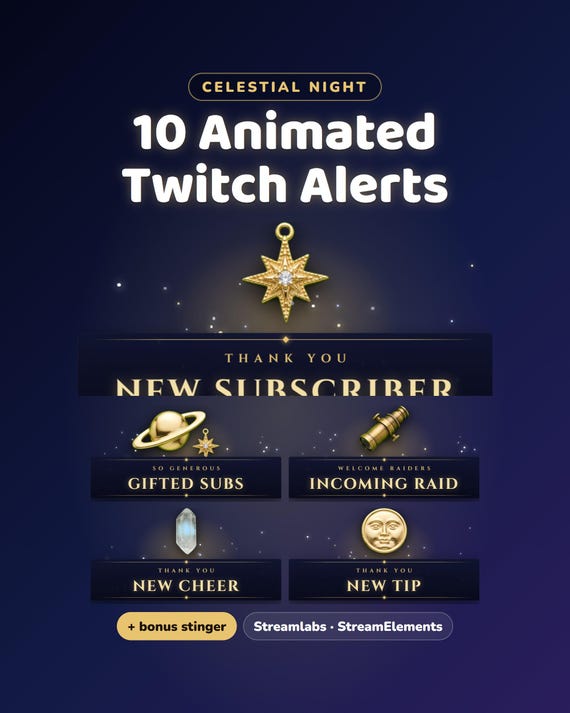
Lavender Lofi Twitch alerts — 10 animated alerts in the Lavender Lofi look, for Streamlabs and StreamElements. The video shows the New Follower alert over our Lavender Lofi Starting Soon screen.
- Free setup help + video guides — we help you until it works on your stream
What you get
- 10 animated alerts: New Follower · New Subscriber · Resubscribed · Gifted Subs · New Cheer (bits) · Incoming Raid · New Tip · New Member (YouTube / Kick memberships) · Super Chat (YouTube) · Merch Order
- Transparent WebM video (1000 × 440, 5 seconds) + a PNG picture of each — the alert service writes the viewer's name under it
- Bonus: the Lavender Lofi stinger transition (WebM 1920 × 1080, transition point 800 ms)
- START-HERE.pdf — step by step for Streamlabs, StreamElements and OBS
How it works
Streamlabs: Dashboard → Alert Box → open an alert (Follows, Subscriptions, Bits, Raids, Donations…) → Image / Video → upload the matching .webm → message {name}. StreamElements: Overlays → AlertBox → each event → change its image/video. Then add the alert box to OBS as a Browser source.
Want the matching overlay?
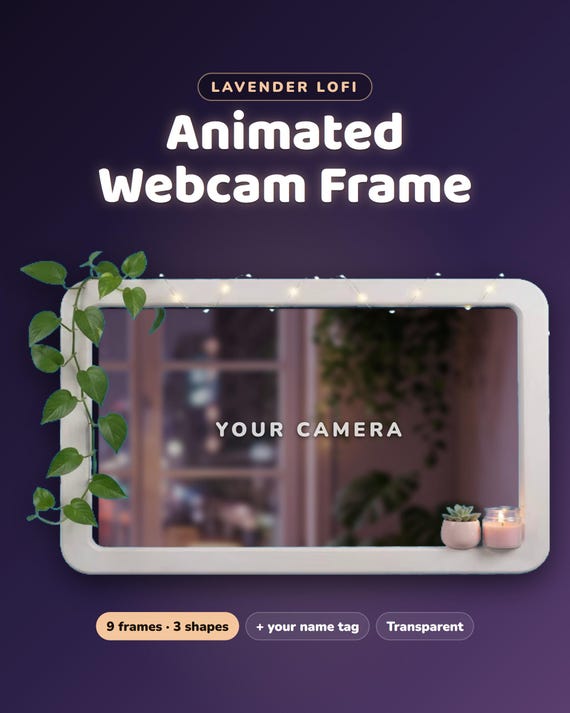
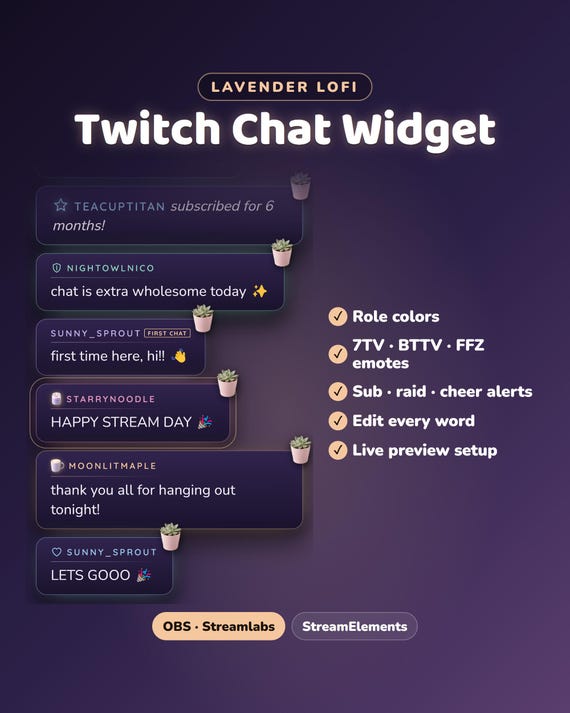
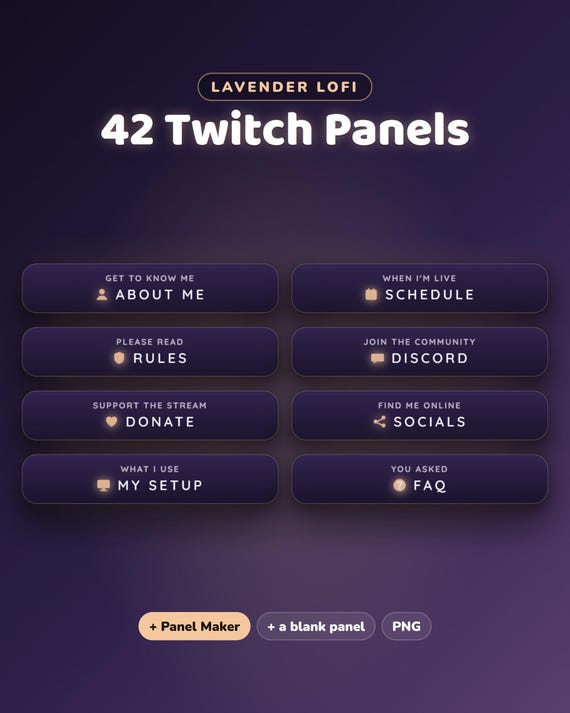
The Lavender Lofi Full Stream Package has these alerts too (the 6 classic ones), plus an animated chat widget, goal bars, webcam frames, Starting Soon / BRB / Ending / Offline screens and 42 panels — in our ChatBloomStudio shop
Help & video guides
- Step-by-step setup videos on our YouTube channel: youtube.com/@chatbloomstudio — webcam frames, alerts, chat, goal bars, screens, panels, full overlays
- Need a video for something else? Ask us — we'll make one for you
- Stuck at any step? Message us — we'll help you until it works on your stream
Good to know
- Alerts need a free alert service — Streamlabs or StreamElements — because they are the ones that know when someone follows or subscribes.
- For use on your own channel(s), also monetized. Please don't resell or share the files.
- Designed and built by us with the help of AI tools.
- Digital download — nothing will be shipped.