ChatBloomStudio
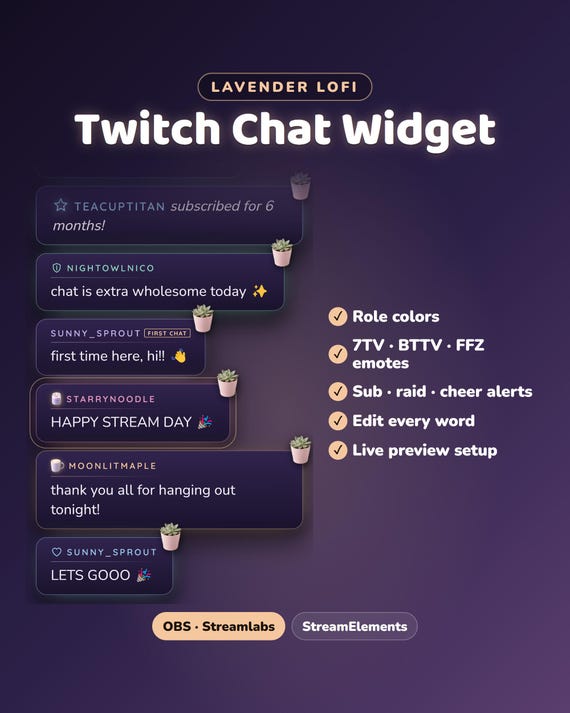
Chat widget · Lavender Lofi
Lavender Lofi Twitch Chat Widget
Lavender Lofi Twitch Chat Widget, Customizable Chat Box Overlay, Animated Glass Cards for OBS Streamlabs StreamElements (Digital Download)
Same files on every shop — pick the one you like. Instant digital download, nothing is shipped. Watch the setup video below.
Videos
Step-by-step setup — more on our YouTube channel.
Twitch chat widget for OBS: first chat tag, highlighted messages & sub alerts
How to add a custom chat to StreamElements
How to add an animated chat to OBS for free
Your Twitch chat could look like this
What you get
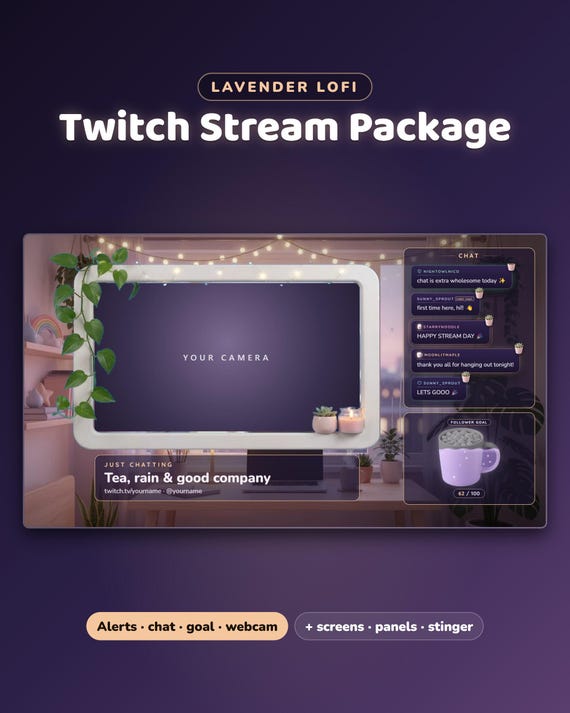
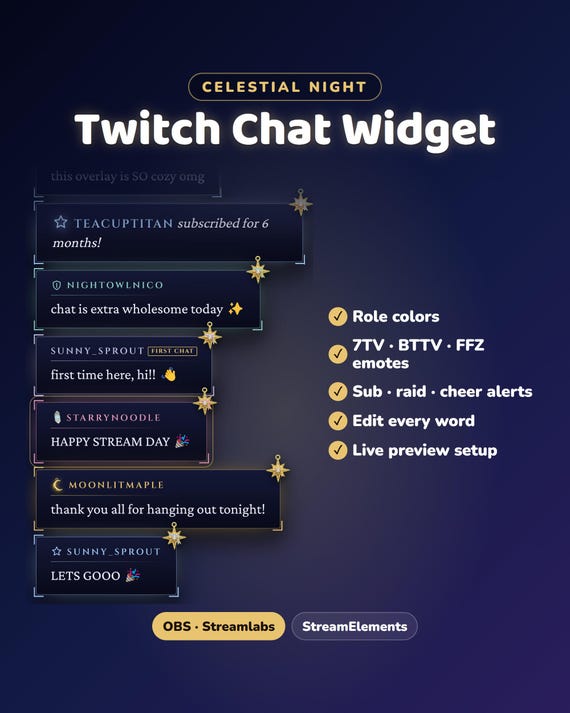
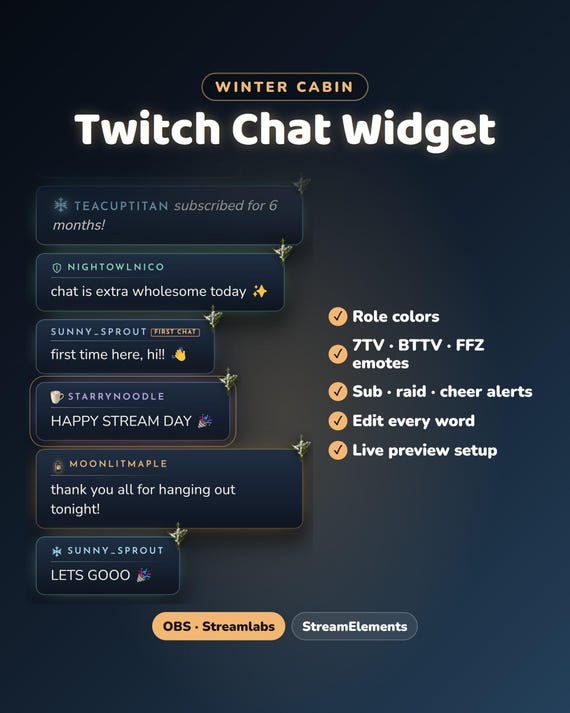
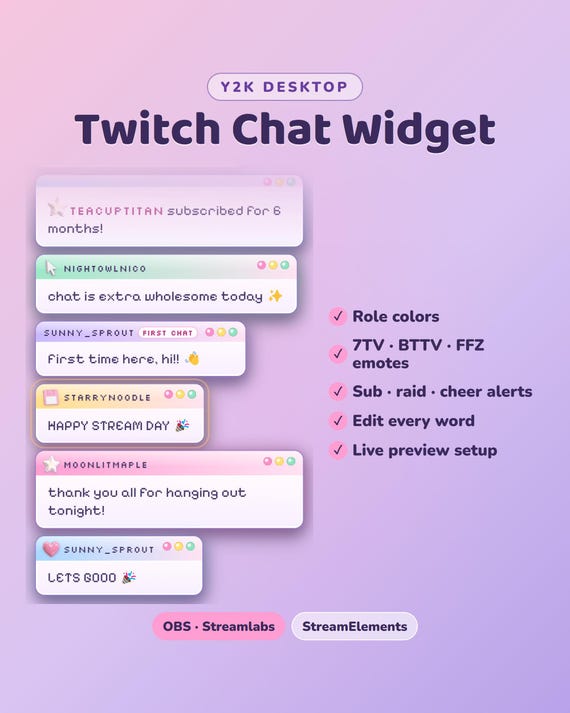
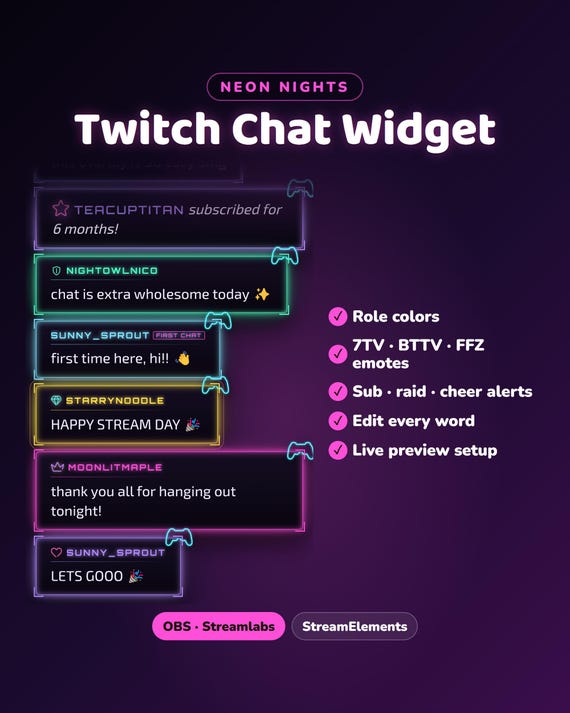
Lavender Lofi chat widget — your Twitch chat as soft plum glass cards with rounded corners, a fine line in each role color, a real coffee mug for you, the streamer, and a candle for VIPs. Your chat finally matches your stream.
- Instant download · ready in about 2 minutes · easy step-by-step guide
- Setup video (same steps for every ChatBloom chat): youtube.com/shorts/heVWCgiNxck
- For OBS Studio, Streamlabs and StreamElements · made for Twitch
- Free setup help + video guides — we help you until it works on your stream
Fully customizable
- Colors, font, text size, side, direction and how long messages stay
- Role colors for you, mods, VIPs and subs · pronouns
- Your own words for every alert line ("just subscribed!", "first chat"…), in any language
- Vertical or horizontal: the classic column, or one row across the screen
Features
- Twitch + 7TV, BTTV and FFZ emotes
- Subs, gifted subs, raids and cheers as special cards (plus follows and tips with StreamElements)
- Hides bots and !commands · glow on channel-points highlighted messages
What's included
- The chat for OBS Studio and Streamlabs — no account, no password, it only reads your public chat
- The same chat for StreamElements
- START-HERE guide (PDF)
Easy setup
- Type your channel name and pick your colors — you see it live
- Download your chat
- Add it to OBS or Streamlabs — the guide and the video show where to click
Want something changed?
A different color, font or wording? Message us — we're happy to adjust it for you.
Help & video guides
- Step-by-step setup videos on our YouTube channel: youtube.com/@chatbloomstudio — webcam frames, alerts, chat, goal bars, screens, panels, full overlays
- Need a video for something else? Ask us — we'll make one for you
- Stuck at any step? Message us — we'll help you until it works on your stream
Good to know
- Digital download. For your own channel(s); please don't resell or share the files.
- Designed and built by us with the help of AI tools.
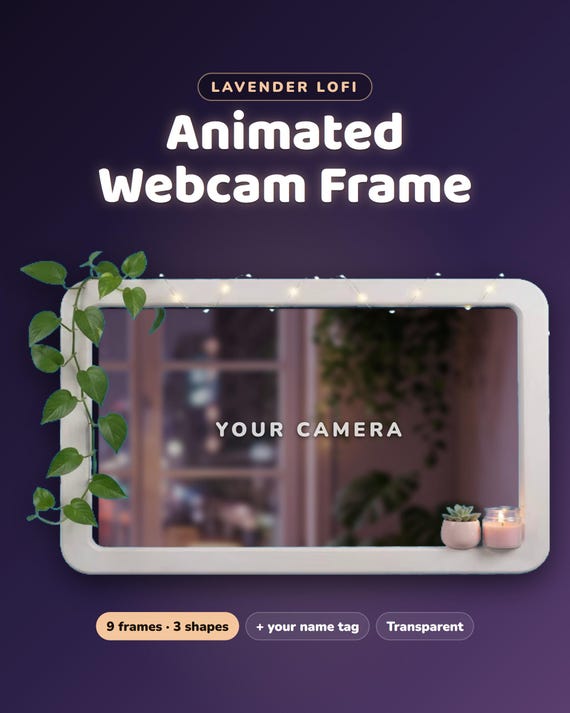
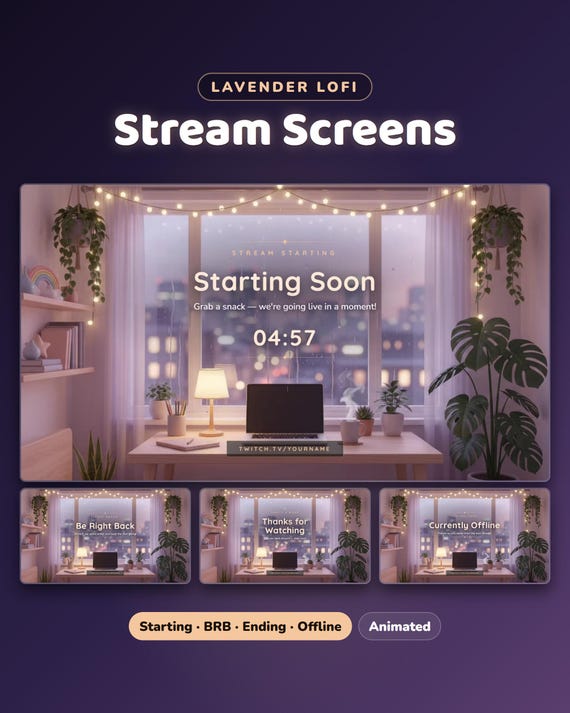
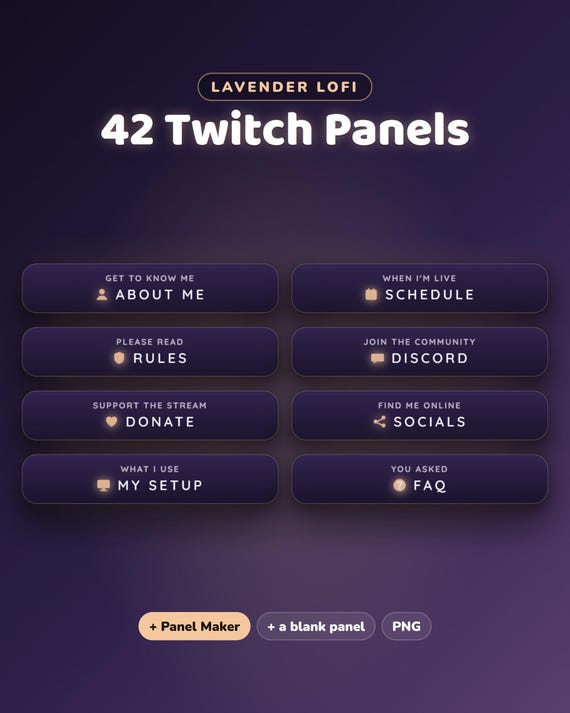
Matching goal bars, webcam frame, screens and panels: the Lavender Lofi Full Stream Package in our shop.