ChatBloomStudio
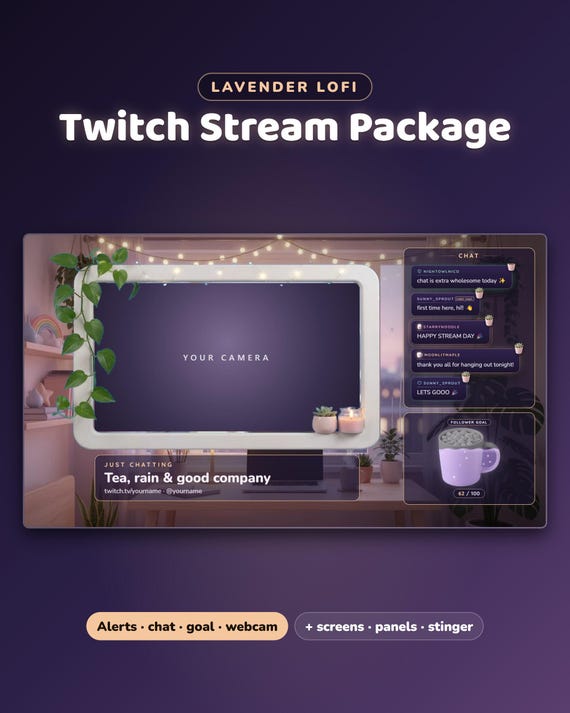
Full stream package · Lavender Lofi
Lavender Lofi Twitch Stream Package
Lavender Lofi Twitch Stream Package, Animated Cozy Lofi Overlay Pack, Alerts, Chat, Goal Bar, Webcam Frame, Screens, Panels, Stinger
Same files on every shop — pick the one you like. Instant digital download, nothing is shipped. Watch the setup video below.
Videos
Step-by-step setup — more on our YouTube channel.
Twitch chat widget for OBS: first chat tag, highlighted messages & sub alerts
Making an animated lofi webcam frame for my stream
How to add animated alerts in Streamlabs
How to add a custom chat to StreamElements
What you get
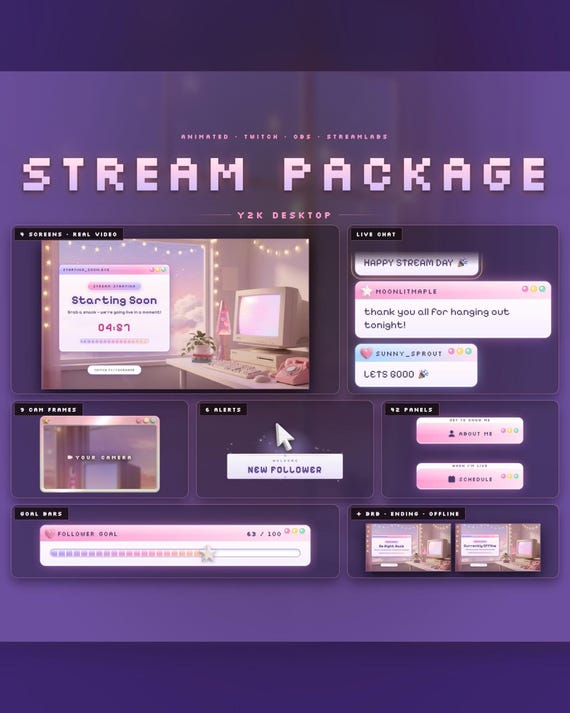
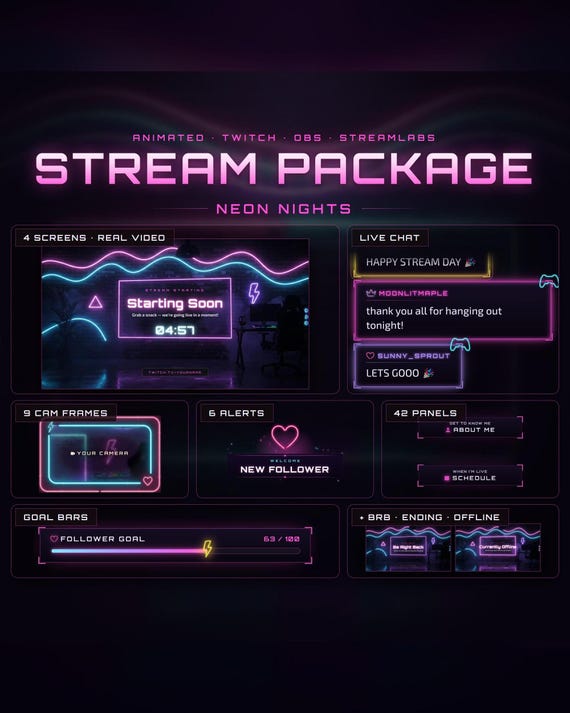
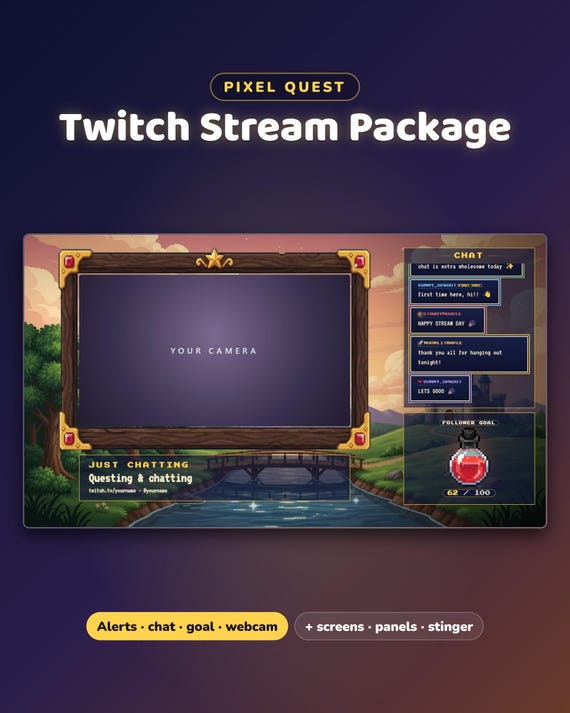
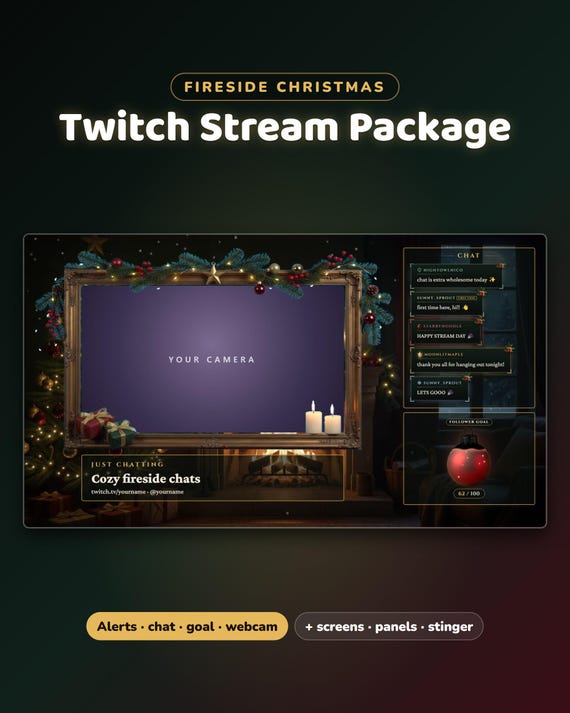
Lavender Lofi Full Stream Package — a calm, cozy lavender lofi look for your whole stream: 4 gaming overlays, a Just Chatting scene, 4 animated screens, 6 alerts, a stinger, chat, goal bars, 9 webcam frames and all 42 Twitch panels. Save 80% compared with buying the parts one by one.
- Instant download · easy step-by-step guide for every part, about 2 minutes each
- NEW: OBS Quick Setup — makes all your scenes in OBS Studio at once
- For OBS Studio, Streamlabs and StreamElements · made for Twitch
- Free setup help + video guides — we help you until it works on your stream
What's included
- NEW: Gaming scene — 4 gaming overlays (camera right, camera left, big game, full-screen game) with live chat, webcam frame, goal bar and your game title
- Just Chatting scene — the moving Lavender Lofi room, a big webcam frame, live chat, your goal and your title
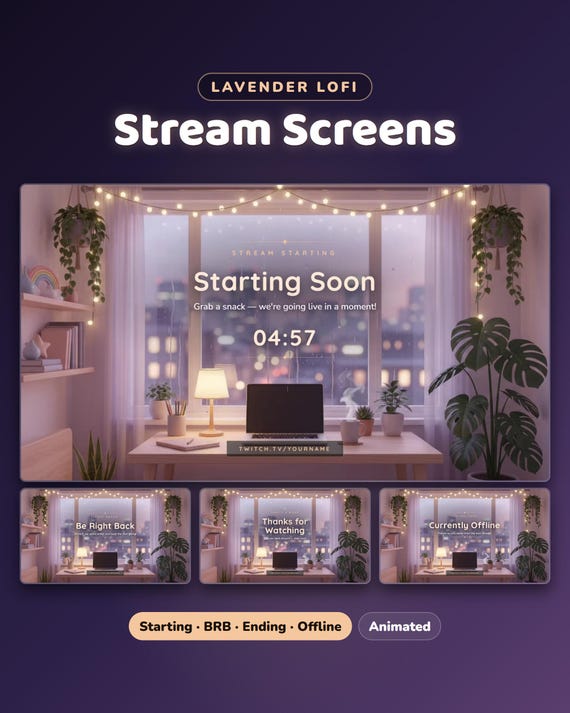
- 4 animated screens — Starting Soon, Be Right Back, Stream Ending, Offline (moving video + MP4 loops) + a Twitch offline banner
- 6 animated alerts (transparent WebM + PNG) + a matching stinger transition
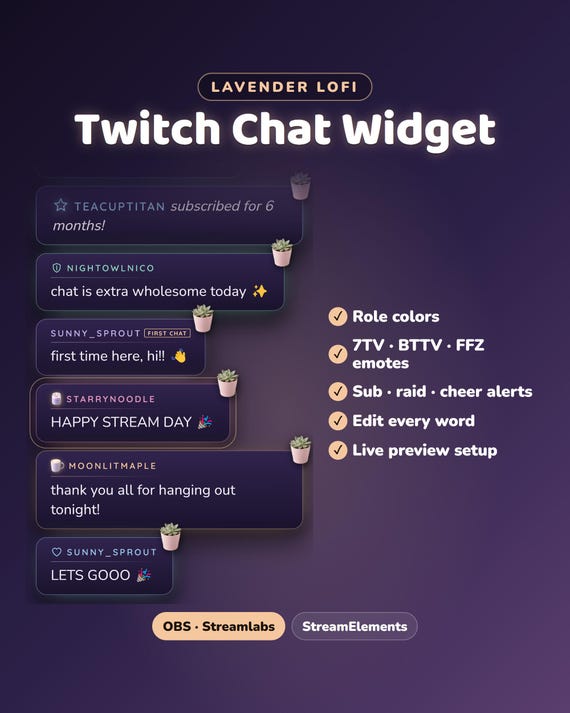
- Chat widget — messages as soft plum glass cards with rounded corners · role colors · 7TV, BTTV and FFZ emotes · sub, raid and cheer cards
- Goal bars — a bar, or a shape that fills up (cocoa mug, moon lamp or candle jar) · followers, subs, bits or your own goal
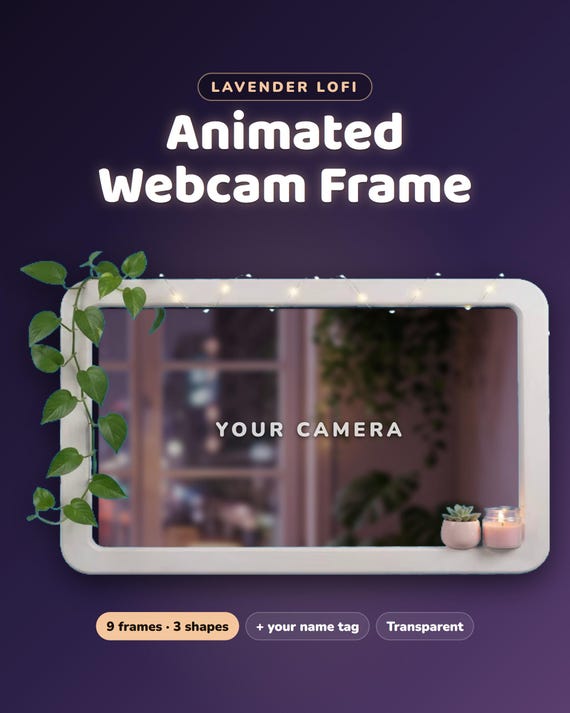
- 9 webcam frames — wide 16:9, square 4:3 and round, with your name tag
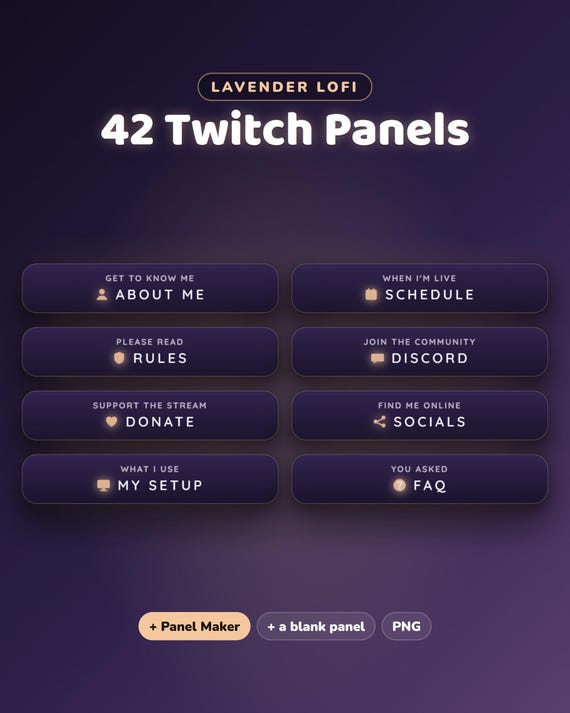
- 42 Twitch panels + a Panel Maker for any panel you want
- BONUS: a spin wheel — spins on cheers, subs, gifted subs, raids or !spin from you and your mods · OBS / Streamlabs or StreamElements · your own prizes, colors and texts
- BONUS: a bits menu — what each amount unlocks, your own lines and prices
- BONUS: a background loop (the rainy lofi room)
Fully customizable
- Your channel name, titles, socials and every alert line ("just subscribed!", "first chat"…), in any language
- Pick the gaming layout, goal type and target — you see every change live before you download
Easy setup
- Type your channel name and texts — you see it live
- Download your files
- Open OBS Quick Setup: Gaming, Just Chatting, Starting Soon, Be Right Back, Stream Ending and the stinger appear in OBS at once. Streamlabs: each part has a short guide.
Want something changed?
A different color, layout or wording? Message us — we're happy to adjust it for you.
Help & video guides
- Step-by-step setup videos on our YouTube channel: youtube.com/@chatbloomstudio — webcam frames, alerts, chat, goal bars, screens, panels, full overlays
- Need a video for something else? Ask us — we'll make one for you
- Stuck at any step? Message us — we'll help you until it works on your stream
Good to know
- Digital download in a few parts (file size limits) — unzip them all into one folder.
- The alerts work through a free Streamlabs or StreamElements account.
- For your own channel(s); please don't resell or share the files.
- Designed and built by us with the help of AI image and video tools; "your camera" and "your game" in the photos show where yours go.