ChatBloomStudio
Chat widget · Pixel Quest
Pixel Quest Twitch Chat Widget
Pixel Quest Twitch Chat Widget, Customizable Chat Box Overlay, Animated RPG Dialog Box for OBS Streamlabs StreamElements (Digital Download)
Same files on every shop — pick the one you like. Instant digital download, nothing is shipped. Watch the setup video below.
Videos
Step-by-step setup — more on our YouTube channel.
Pixel RPG Twitch chat widget: first chat tag, highlights & sub alerts
How to add a custom chat to StreamElements
How to add an animated chat to OBS for free
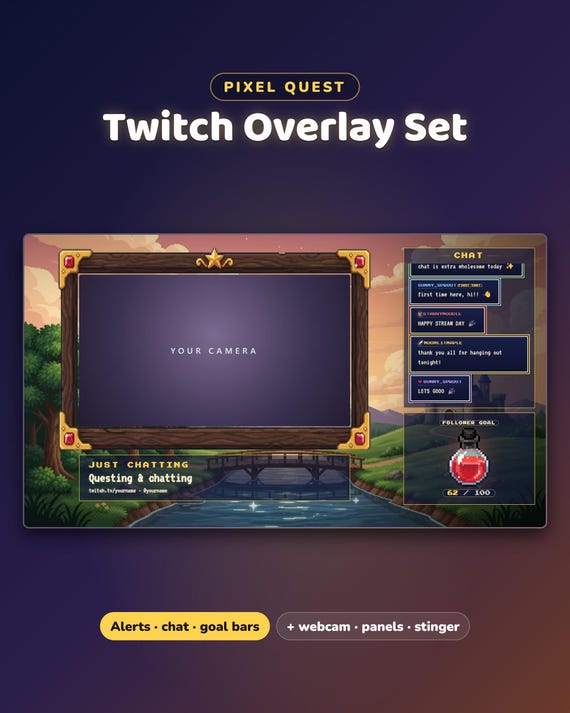
Your Twitch chat could look like this
What you get
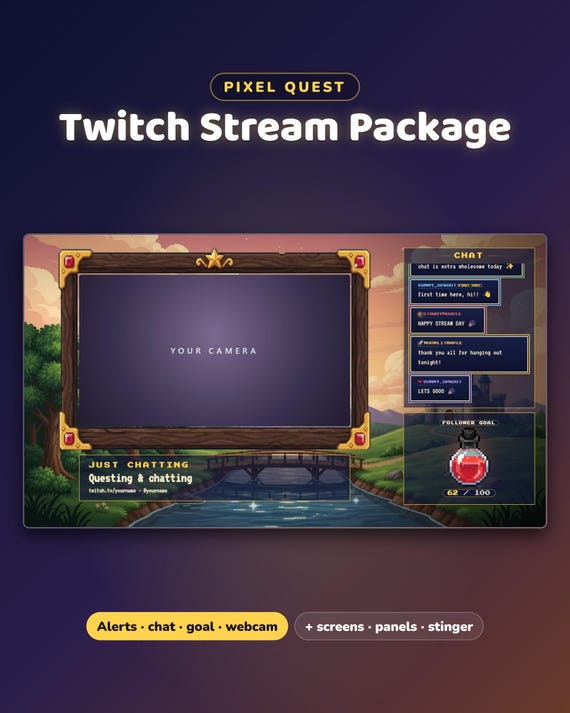
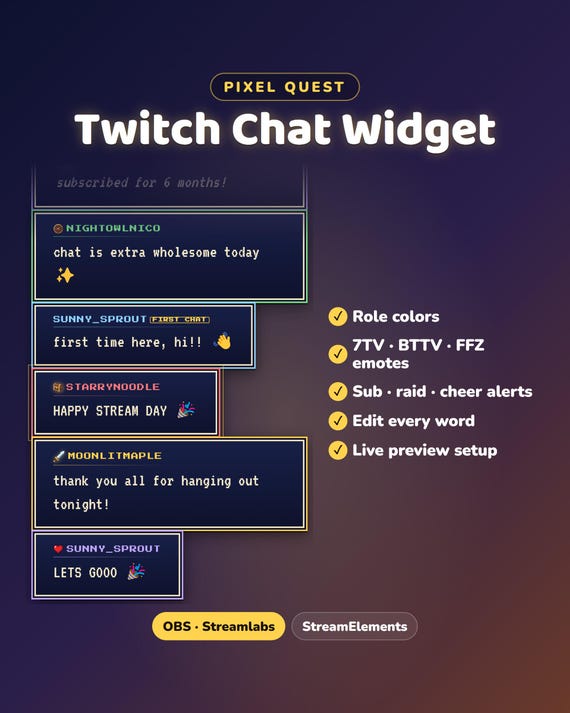
Pixel Quest chat widget — your Twitch chat as RPG dialog boxes with a stepped pixel border in each role color, retro game lettering, a pixel sword for you, the streamer, and a treasure chest for VIPs. Your chat finally matches your stream.
- Instant download · ready in about 2 minutes · easy step-by-step guide
- Setup video (same steps for every ChatBloom chat): youtube.com/shorts/heVWCgiNxck
- For OBS Studio, Streamlabs and StreamElements · made for Twitch
- Free setup help + video guides — we help you until it works on your stream
Fully customizable
- Colors, font, text size, side, direction and how long messages stay
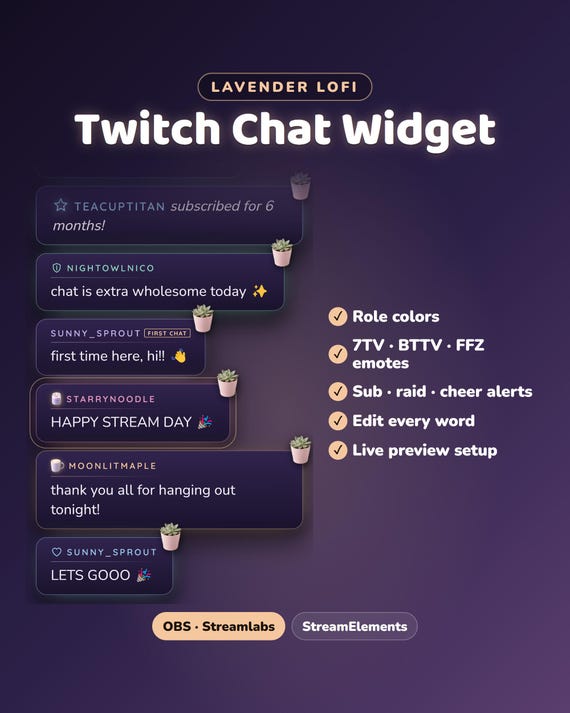
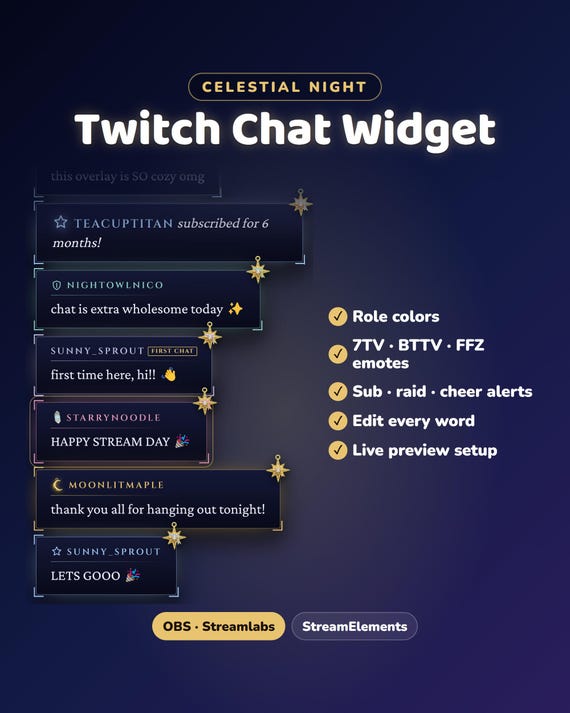
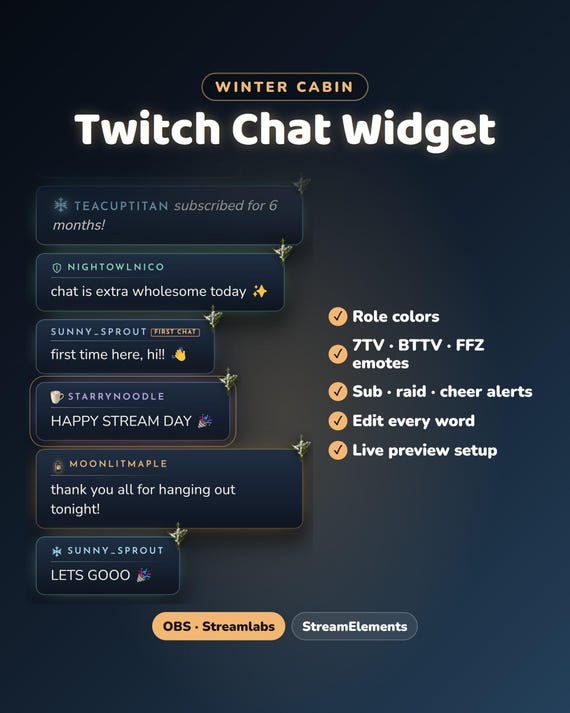
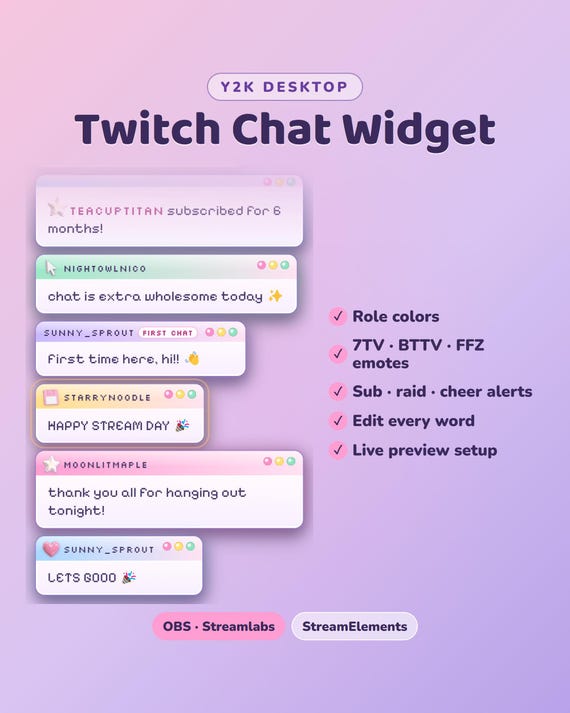
- Role colors for you, mods, VIPs and subs · pronouns
- Your own words for every alert line ("just subscribed!", "first chat"…), in any language
- Vertical or horizontal: the classic column, or one row across the screen
Features
- Twitch + 7TV, BTTV and FFZ emotes
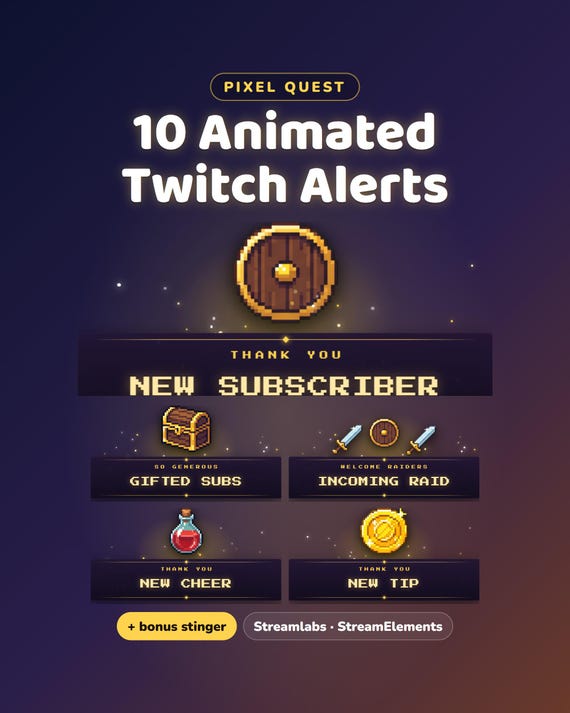
- Subs, gifted subs, raids and cheers as special cards (plus follows and tips with StreamElements)
- Hides bots and !commands · glow on channel-points highlighted messages
What's included
- The chat for OBS Studio and Streamlabs — no account, no password, it only reads your public chat
- The same chat for StreamElements
- START-HERE guide (PDF)
Easy setup
- Type your channel name and pick your colors — you see it live
- Download your chat
- Add it to OBS or Streamlabs — the guide and the video show where to click
Want something changed?
A different color, font or wording? Message us — we're happy to adjust it for you.
Help & video guides
- Step-by-step setup videos on our YouTube channel: youtube.com/@chatbloomstudio — webcam frames, alerts, chat, goal bars, screens, panels, full overlays
- Need a video for something else? Ask us — we'll make one for you
- Stuck at any step? Message us — we'll help you until it works on your stream
Good to know
- Digital download. For your own channel(s); please don't resell or share the files.
- Designed and built by us with the help of AI tools.
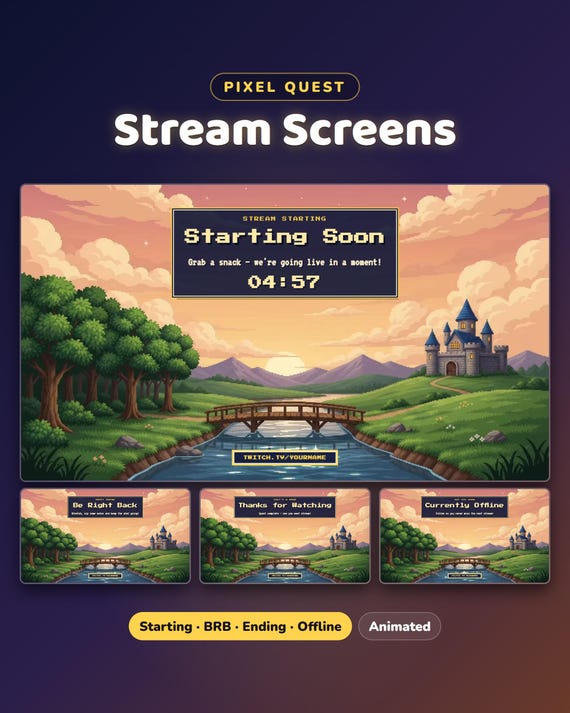
Matching goal bars, webcam frame, screens and panels: the Pixel Quest Full Stream Package in our shop.